 Length 12:25Watch on YouTube: SIM-ON tour: assets, IoT, and daily operations in one spatial view (opens in a new tab)
SIM-ONFacility operations
Explore product walkthroughs, use case videos, and educational content for SIM-ON, STAGES, facility operations, construction documentation, and spatial intelligence.
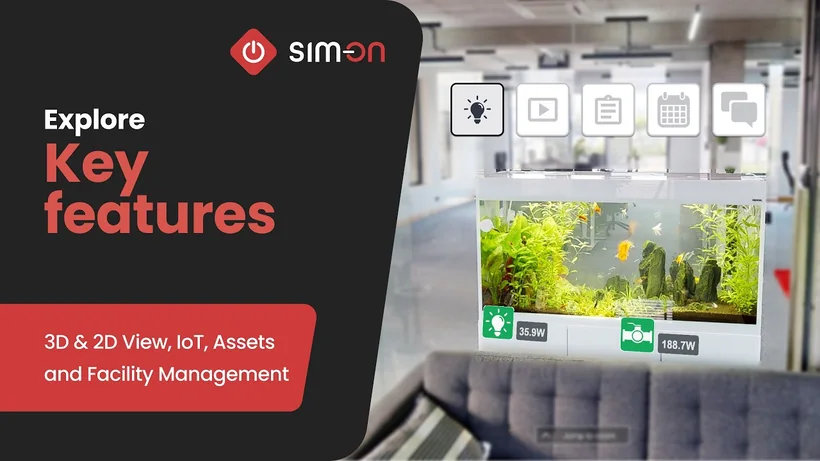
Screen recording of SIM-ON: live sensor cards in a 3D office walkthrough, then the Devices dashboard.
A screen recording of the SIM-ON web app shows a 3D walkthrough of an office room labelled "TURQUOISE", with chandeliers, a tufted grey bench and a black and white checkered floor. Small device icons sit on a door with readings such as "26.3°C" and "4.3W", and a column of device cards runs down the right edge. Six cards open over the room, including "Smoke sensor", "Flame sensor", "Temperature sensor" and "Air Condition Volt", with values such as "NO WARNING" and "234 V". The view moves to the "CORRIDOR", where a "Door sensor" card reads "CLOSED", and then three cards show "21 Lux", "23.3 °C" and a last motion time. A side menu opens with "3D Walk" and "Dashboard". The Dashboard lists rooms on the left and eight device cards for "POWER ROOM", including "Watt Main" and "Volt Main" at "238 V", and four of them open as larger cards. There is no sound.
Every video maps to a real workflow - pick the track that matches what your team is trying to do.
Step-by-step guidance for the spatial operations layer - assets, IoT data, and daily facility workflows inside the twin.
Construction documentation in practice - building timelines, split-screen BIM comparison, and notes and issue tracking.
How reality capture becomes a navigable spatial digital twin, and what that model makes possible for your teams.
Real operational scenarios - locating assets, reviewing spaces remotely, and organizing work around the building itself.
Documenting what was built as it was built, then handing over structured records instead of boxes of binders.
Short introductions for consulting, technology, reseller, and capture partners working with the SIMLAB platform.
A short overview film of the building life cycle on one platform: a showroom is scanned with a phone and a Matterport camera, STAGES documents construction projects with stage comparisons, markups and measurements, and SIM-ON runs day-to-day operations with sensor readings, alerts, an event timeline and asset records - shown across several demo buildings.
Stock footage opens the film: a data center, office work, factory automation, a VR headset, construction sites and teams reviewing drawings. A SIMLAB team member scans a showroom with a phone and a Matterport camera, then a point-cloud plan and rotating 3D building models appear. A title card shows STAGES and SIM-ON logos with the caption "Digital twin solution for full life cycle of building". A dark interface shows installation layers, markups and measurements on scanned rooms, stage comparisons, a construction timeline and annotation lists. A light interface shows sensor widgets over room panoramas, a flood warning, a leak report, an event timeline and a car showroom asset with media and documents. After shots of a key handover, people at laptops and a couple with a tablet, the SIMLAB logo appears with the tagline "Your partner in building the future."
New walkthroughs and explainers, tagged by product and workflow so you can jump straight to what is relevant.
Length 12:25Watch on YouTube: SIM-ON tour: assets, IoT, and daily operations in one spatial view (opens in a new tab)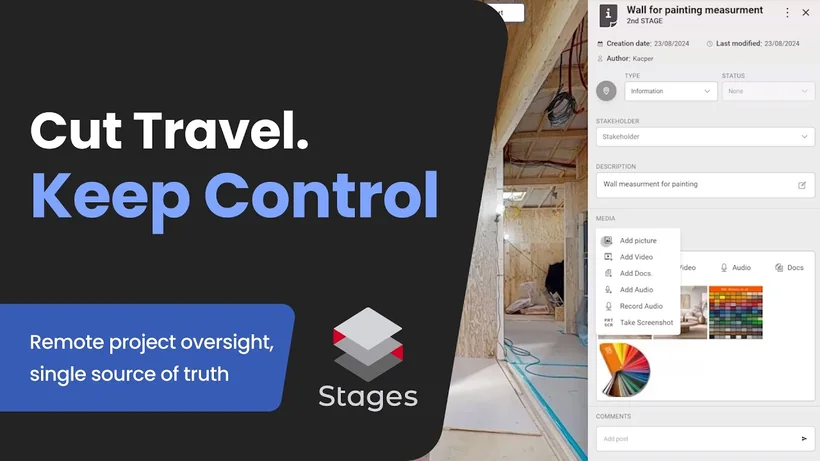 Length 1:08Watch on YouTube: STAGES for remote oversight: notes, timeline, and measurements without a site visit (opens in a new tab)
 Length 2:00Watch on YouTube: SIM-ON setup: create a new space with custom rooms (opens in a new tab)
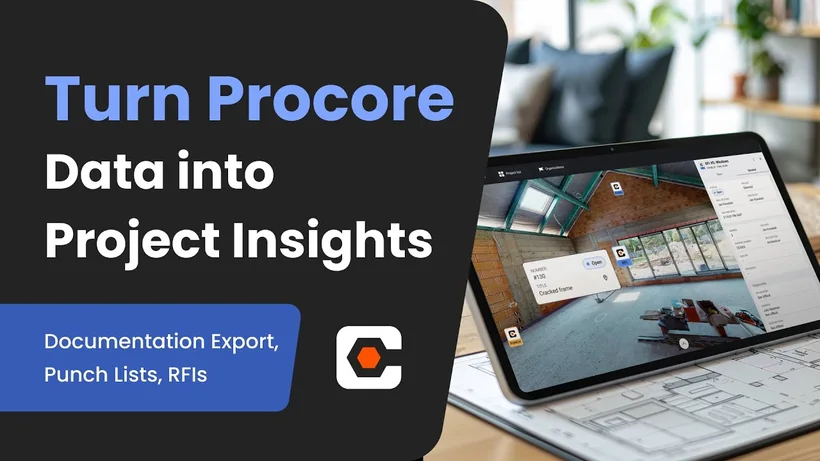 Length 2:41Watch on YouTube: STAGES and Procore: punch items and RFIs in the digital twin (opens in a new tab)
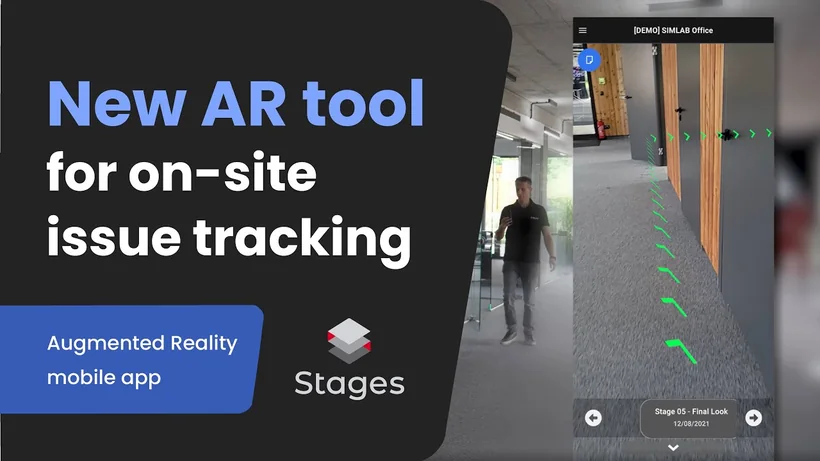 Length 2:01Watch on YouTube: STAGES AR mobile app: your collaboration toolkit for the jobsite (opens in a new tab)
Looking for something specific? Tell us the workflow you want to see and we will point you to the right walkthrough - get in touch.
We will tailor a live session to your facilities, your workflows, and the questions your team actually has.