
SIM-ON5 min read
Bring Your Homey Devices to Life
Tired of juggling three or four apps just to dim the lights, kick on the heat, and start your “Movie Night” routine? That’s why SIM-ON now speaks Homey – a single hub that works with 50,000-plus devices from 1,000+ brands.
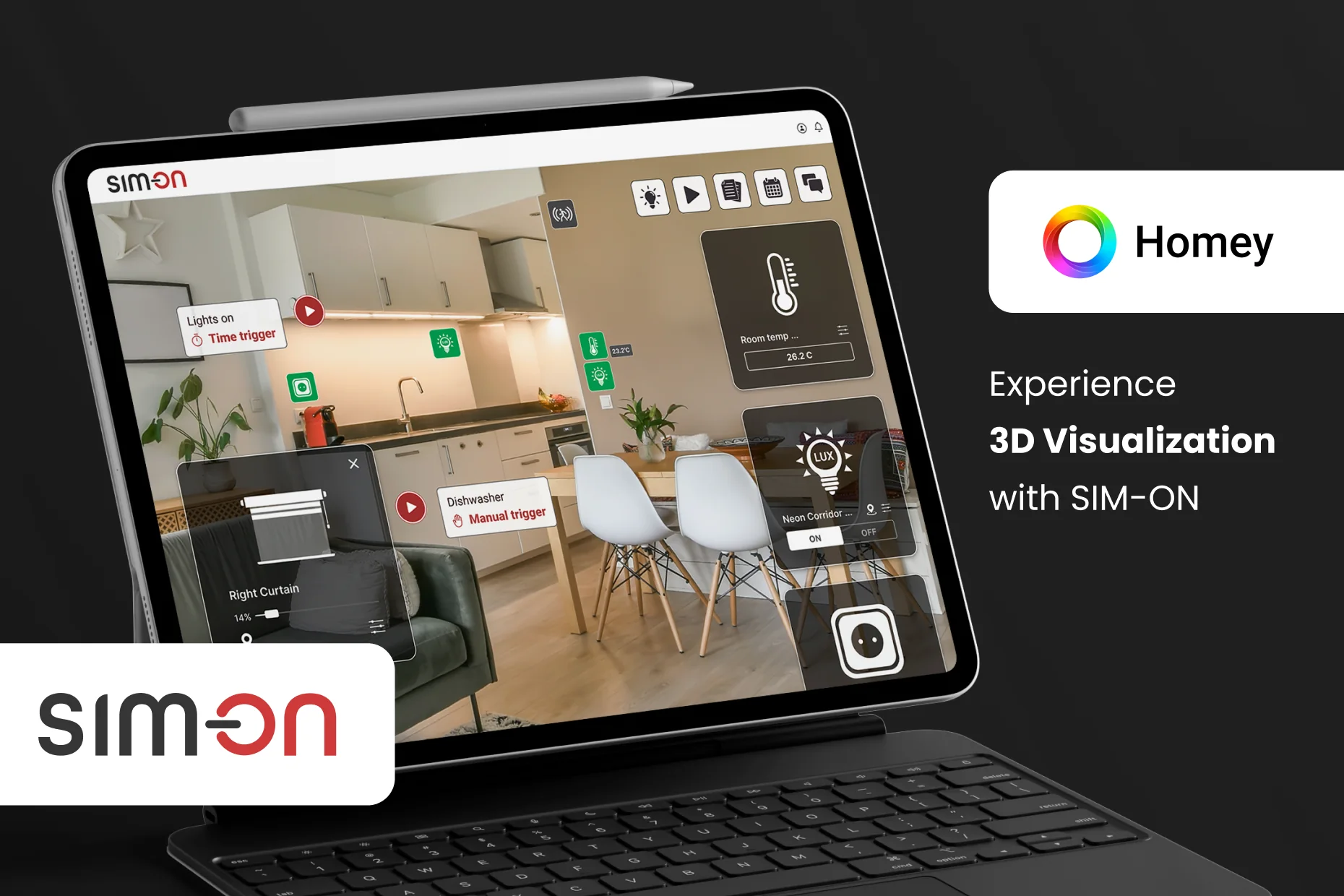
Experience 3-D Visualization With SIM-ON
Tired of juggling three or four apps just to dim the lights, kick on the heat, and start your “Movie Night” routine? The smart-home market is exploding, yet user frustration keeps pace with every new hub and protocol. That’s why SIM-ON now speaks Homey – a single hub that works with 50,000-plus devices from 1,000+ brands.
Picture this: you open SIM-ON and see a photorealistic 3D model of your condo. Tiny icons float exactly where your lamps, thermostats, and blinds sit in real life. Drag the “Movie Night” scene onto the living-room sofa, and – boom – the lights fade, the shades drop halfway, and the soundbar slips into Theater mode. One interface, zero app-hopping.
1. What Is Homey, Anyway?
Homey is a Dutch-made smart-home hub that folds Wi-Fi, Bluetooth, Zigbee, Z-Wave, Thread, Matter, IR, and 433/868 MHz RF into a single platform. No dongles, no hacks, just one clean interface
In December 2024 Athom launched Homey Pro Mini — a $199 pocket-size version shipping April 2025 in North America and shortly after in Europe.
2. Flows vs. Advanced Flows
- Flows: the classic When – And – Then recipe builder.
- Advanced Flows: an infinite drag-and-drop canvas with logic blocks, delays, and inline HomeyScript for power users
3. Cloud or Pro?
| Homey Cloud | Homey Pro (2023 / Mini 2024) | |
|---|---|---|
| Runs locally (no Internet) | ✖ | ✔ |
| Subscription-free | ✖ (after 5 devices) | ✔ |
| Hardware | shared cloud CPU | quad-core 1.8 GHz ARMv8, 2 GB RAM, 8 GB flash (Mini: dual-core 1.2 GHz) homey.app (opens in a new tab) |
The best part: SIM-ON integrates with both versions right out of the box.
Why the Homey × SIM-ON Combo Matters
| Feature | Benefit for SIM-ON User | Benefit for Homey Owner |
|---|---|---|
| Real-Time Digital Twin | 3D view of every device in its exact spot | A spatial dashboard, not a scrolling list |
| KNX / Modbus + Homey | One pane of glass for BMS and multi-vendor IoT | Access pro-grade BMS in one dashboard with IoT |
| Portfolio-wide Scaling | Admin console for hundreds of units (great for build-to-rent) | Remote diagnostics by your installer |
Case in point: A developer packages Homey Pro Mini with SIM-ON in a 120-unit micro-apartment project. Renters get slick 3D control of their own fixtures, while the property manager tracks energy across the whole building and pushes firmware updates remotely.
Integrating SIM-ON with Homey offers valuable benefits for both SIM-ON users and Homey owners by combining advanced digital twin visualization with streamlined smart home automation control. Here’s a breakdown of how each group benefits:
✅ For SIM-ON Users:
- Unified IoT Control Hub: SIM-ON allows centralized control over all IoT devices via a single interface layered over Matterport 3D digital twins. Integrating with Homey expands device compatibility, allowing users to control even more devices from various brands in one platform.
- Spatial Interface with Automation: With Homey, users can create advanced automation flows. SIM-ON enhances this by providing a spatial, intuitive interface for activating and managing these flows, linked to real-world positions in the digital twin.
- Streamlined Setup: Homey simplifies connecting multiple smart home ecosystems (Z-Wave, Zigbee, WiFi), making it easier for SIM-ON users to add and manage devices within the SIM-ON system.
✅ For Homey Owners:
- Enhanced Visualization: Homey users gain access to Matterport-based 3D visualizations of their smart homes via SIM-ON, offering a more immersive and interactive control environment.
- Advanced Asset & Maintenance Management: Beyond automation, SIM-ON adds facility-level insights like asset documentation, warranty tracking, and scheduled servicing tied to specific devices or appliances.
- Digital Property Dashboard: Instead of switching between various apps, Homey owners get a consolidated, visual dashboard—ideal for homeowners, property managers, and rental hosts (Airbnb/VRBO).
- Perfect for Rentals and Hospitality: Make guest experiences smoother by integrating device controls and guides into a 3D model. Reduce support needs with easy access to manuals and settings for smart devices.
In short, the SIM-ON + Homey combo creates a next-level smart home and property management system—ideal for tech-savvy homeowners, facility managers, and hospitality pros.
Try it by yourself
Matterport first. Open a free Matterport account and you instantly get one active space and two user seats. That’s enough to scan a studio apartment with your phone or any 360 camera and publish a fully navigable digital twin. buy.matterport.com (opens in a new tab)
Homey second. Create a Homey Cloud login and pair up to five devices -lights, thermostats, shades, you name it. The Flow editor is unlimited, so you can build as many automations as you like before deciding whether you need the €2.99/mo Premium upgrade. athom.com (opens in a new tab)
SIM-ON third. Activate the SIM-ON Free plan: one property, two users, and ten IoT devices with 100 MB of asset storage (today it supports FIBARO & SmartThings out of the box). Perfect for a personal proof-of-concept. sim-on.com (opens in a new tab)
Put it all together:
- Scan your home in Matterport.
- Log into SIM-ON, import the model, and watch it appear in 3D.
- Connect your Homey account; every paired device pops onto the floor plan in real time.
Total cost: €0. Total setup time: under 20 minutes. Now you can experience a full-stack smart-home digital twin before spending a single cent.
FAQ
Can I run Homey and KNX side by side? Absolutely. SIM-ON’s KNX/Modbus layer bridges both worlds with sub-150 ms latency in our lab tests.
Is Homey suitable for large developments? Not by itself. It lacks multi-unit management and BMS hooks. SIM-ON fills those gaps with a portfolio dashboard, enterprise roles, and HVAC/access-control modules.
How is my data secured? Homey Pro processes everything locally; SIM-ON encrypts all traffic with AES-256. You can even host SIM-ON on-prem if compliance demands it.
Summary
The Homey × SIM-ON integration blends DIY flexibility with professional building management. Whether you own a 450-sq-ft studio or oversee a 500-unit PRS portfolio, you can now see, feel, and control every smart-device interaction from one gorgeous 3-D interface.
🔗 Dive deeper or book a live demo: sim-on.app/homey
See you in the intelligent (and beautifully visualized) home of tomorrow!